
Yellow
- Hazardous weather may cause damage, disruption, or health impacts
- Impacts are moderate, localized and/or short-term
- Yellow alerts are the most common
Forecasting Canada’s Weather | How does it work?
Understanding the weather and its impact is an essential safety skill for coaches and sport administrators. Coaches play a key role in protecting the wellbeing of their participants, and understanding weather alerts (watches, warnings and advisories) supports safer, more informed decisions before and during outdoor activities.
Environment and Climate Change Canada is the country’s official source for weather information and alerts. You can access accurate, timely, and location-specific weather updates anywhere in Canada online at Canada.ca/weather or on your mobile phone through the free WeatherCAN app.

In Canada, alerts use a colour-coded system to show the level of weather-related risk. As the colours move from yellow, to orange, to red, the potential danger increases. Environment and Climate Change Canada’s weather alerts will always include the alert’s colour in its title text, (ex: Yellow Watch – Thunderstorm, or Red Warning – Tornado) and the alert shape for accessibility.
Before planning or leading any outdoor activity, check the WeatherCAN app so you know what conditions to expect. Understanding the alert colours, and knowing when to prepare, monitor, and take action helps you keep participants safe in any weather.
Weather alerts are essential tools that help coaches make informed decisions to protect participants during outdoor training, games, and events.

Coaches and sport administrators can customize their experience on the WeatherCAN app by personalizing their notifications across locations and hazard types, and adding interactive layers of the map.

Receive alerts for weather or environmental hazards that are either occurring, imminent, or forecast to develop in the locations you follow.
Choose whether to get notified when any alert colours change in your selected locations. Learn more about the colour-coded alerts online.

Enable a notification when the AQHI reaches a certain level and choose to customize by location.
Customize your notifications for temperature, wind chill, and humidex.

The Lightning Map is a layer on the interactive Weather Information map and WeatherCAN map that shows where lightning is happening across Canada in real-time. To view lightning strikes, the lightning layer must be turned on.

Weather radar is a tool for tracking storms in real-time and allows you to see the current location and previous movement of precipitation. The legend on the radar map shows the intensity of the precipitation. Select “Precipitation Type” to see five types of precipitation (snow, rain/snow mix, freezing rain, rain, hail/rain) with intensities ranging between light, moderate, and heavy.
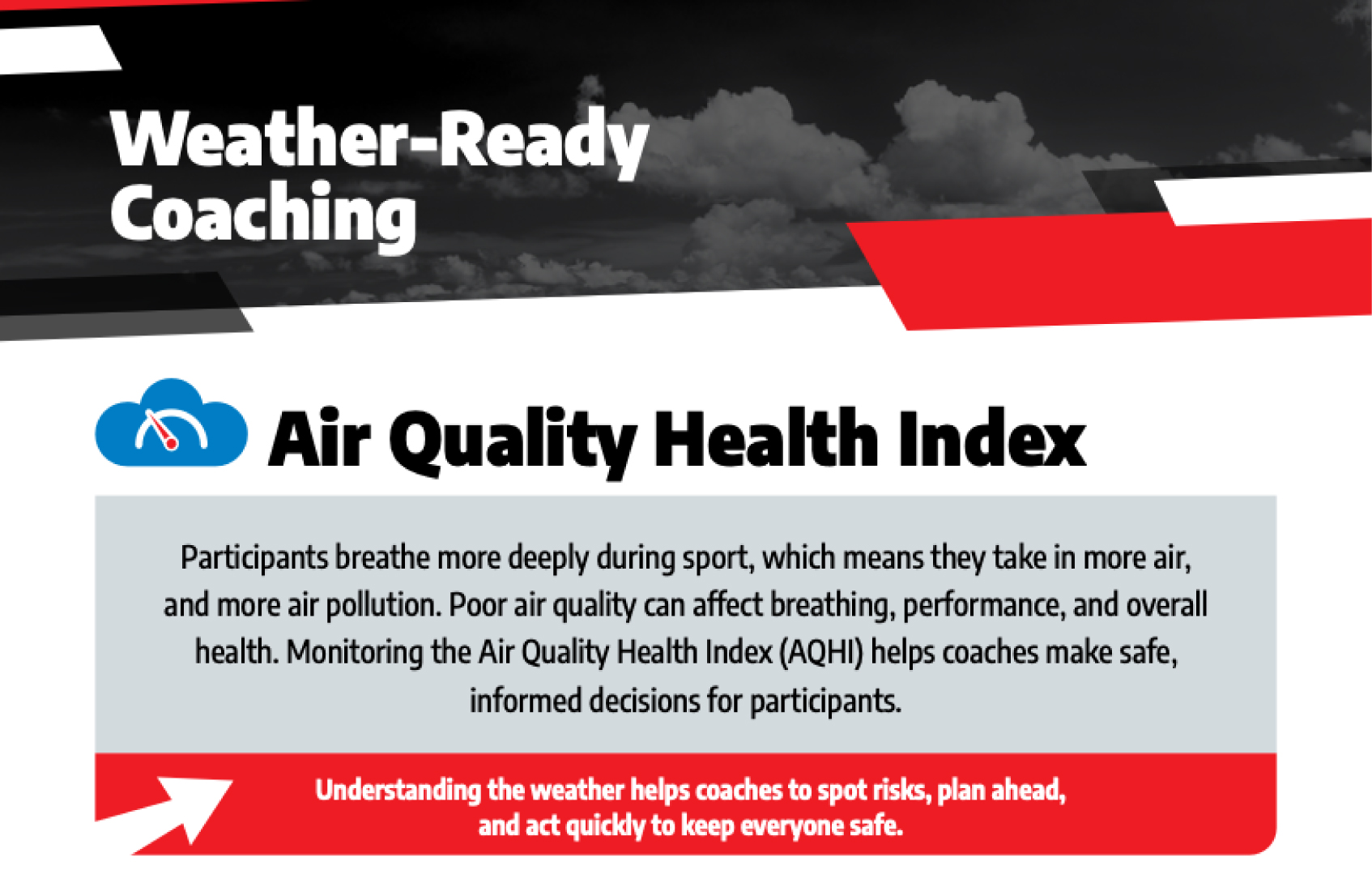
More information and tools about the Air Quality Health Index can be found on the Environment and Climate Change Canada website:
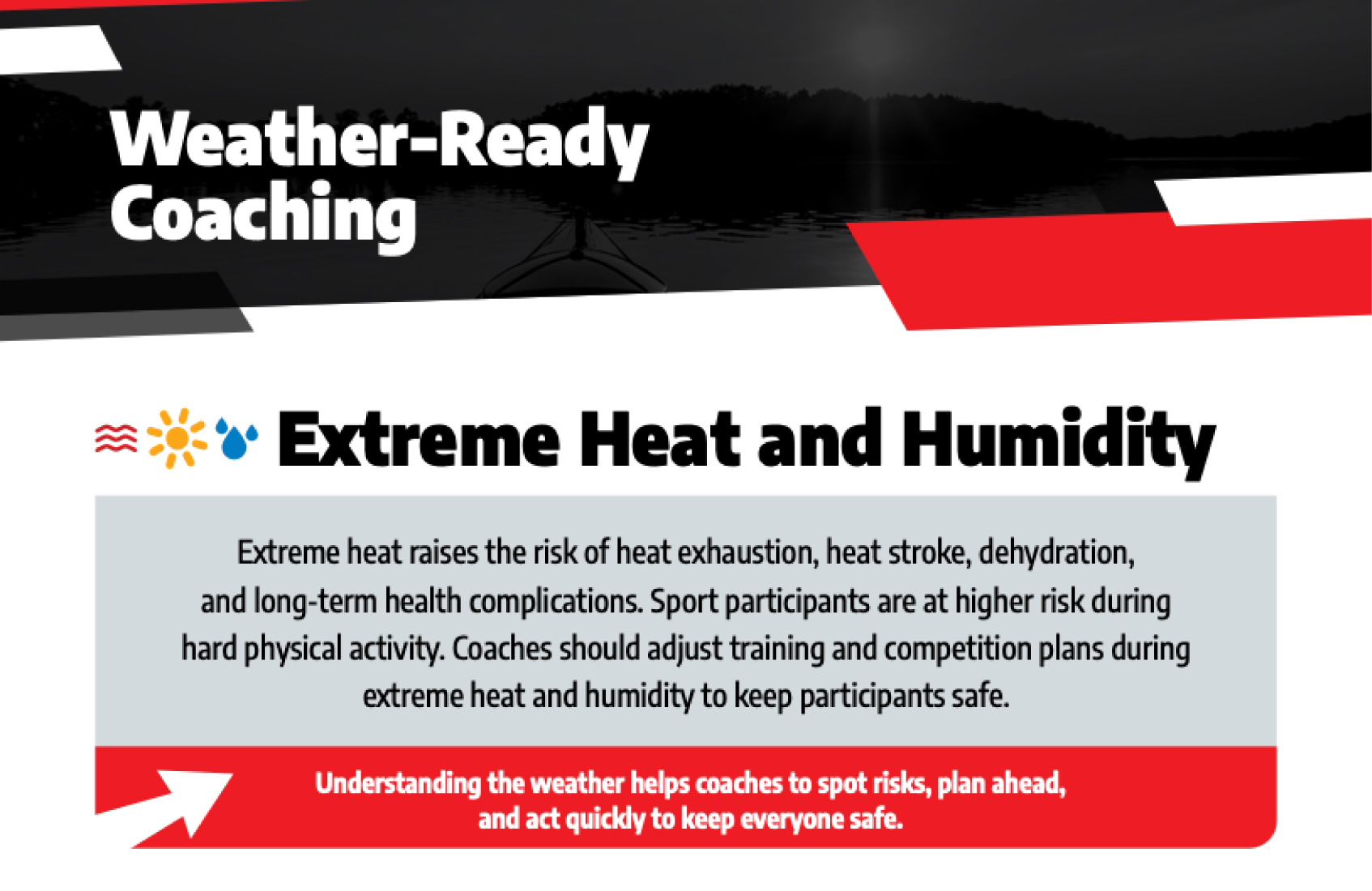
More information and tools about extreme heat and humidity can be found on the Environment and Climate Change Canada website:
How hot will our summers be in 2050? | Ask a Scientist
More information and tools about extreme cold and wind chill can be found on the Environment and Climate Change Canada website:
Will we still get snow in the winter in 2100? | Ask a Scientist
More information and tools about the UV Index can be found on the Environment and Climate Change Canada website:
More information and tools about Lightning Safety can be found on the Environment and Climate Change Canada website: